10 September 2019/Class 6/Ms.Jigna Gada
We shifted our focus to Adobe Photoshop, an image editing sofware which offers more flexibility with raw images and backgrounds.
Tools, methods and concepts intorduced in class: 1.Marquee tool 2.Selection tools 3.Move tool (similar to illustrator) 4.Lasso tools 5.Layer panel and options 6.Editing the colour fill 7.Paintbucket 8.Gradient
While working in photoshop one has to be wary of the resolution they are working with, the image resolution should be gone through before working going forward with working on it, Alt+Shift+I will give the user the information about the image they are using. The default resolution in terms of ppi (pixels per inch is 300).
Layers is an important concept in photoshop, like the name suggests they are a set of digital layers stacked on top of each other. The user has the liberty to lock them, delete them, turn visibility on/off, drag and drop to change their position.
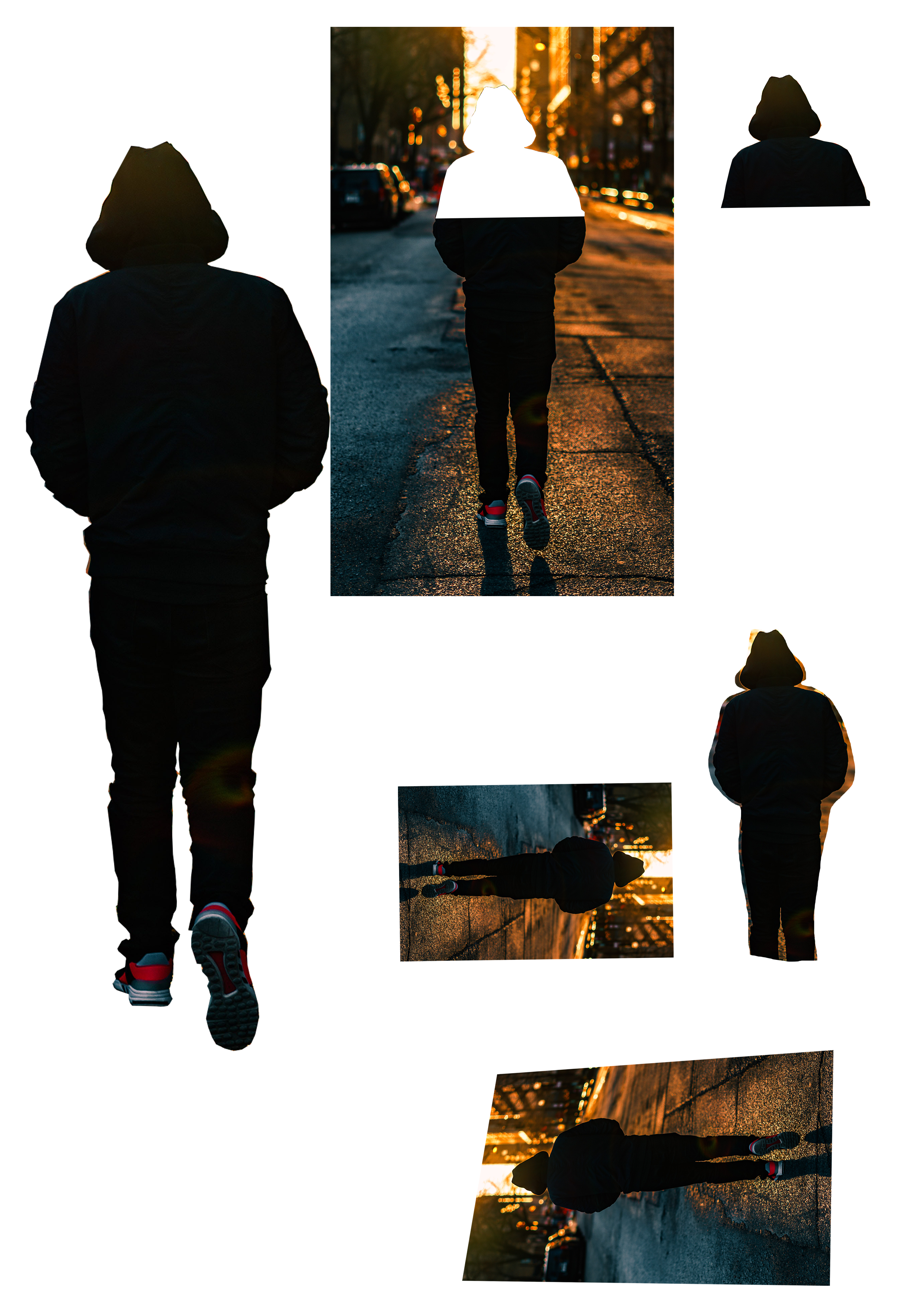

Lasso tool(s) is/are perhaps the most important tool(s) in photoshop, Allowing the user to cut out any part of an image and drag it anywhere (with the help of move tool) it opens up all kinds of possibility for creating compositions and posters. We have 3 choices for making a selection, freehand selection, polygonal selection which makes the selection in straight lines only and magnetic selection which automatically traces the image based on colour separation as you move your cursor along the edges of the desired section.

As an assignment we were to create a collage using figures/shapes traced out from different pictures. I decided to make a composition of every live-action Spiderman.
UPDATE: We were told to show our vector posters to the faculty.


I was told to add logos of comapnies advertising/promoting these posters to make them look more authentic.

 My Odyssey