20 August 2019/Class 4/ Ms. Jigna Gada
Tools and methods introduced today :- 1.How to increase number of artboards 2.Blend tool 3.How to apply a clipping mask 4.Align 5. Brush Tool 6.Symbols 7.Effects
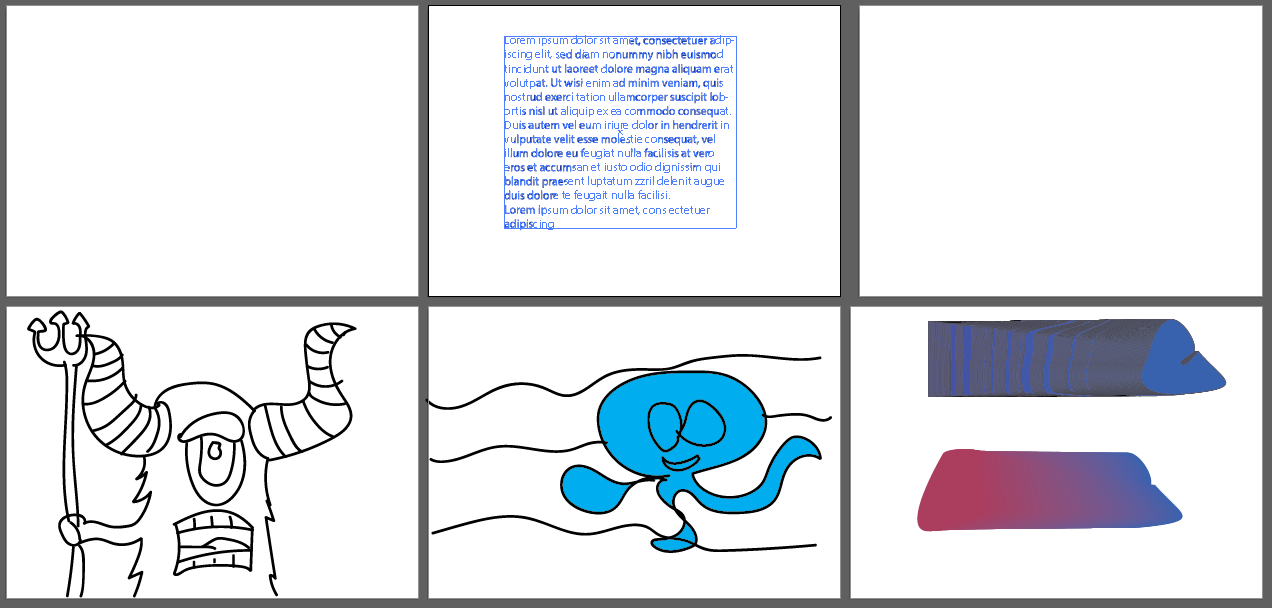
For displaying multiple posters/designs, we can opt for multiple artboards and edit there placement an size using the artboard tool. Blend tool enables us to merge two different shapes with a bridge of colour between them with a lot of control in our hands ranging from smoothness of the blending to the number of steps between the shapes. Clipping Mask seems like a convinient tool for me after coming across Gestalt’s Principle, a clipping mask can merge two objects in the shape of one making the object/pattern below fill in the shape of the object above. Align tool, like the name suggests, helps in aligning objects in the artboard which provides a clean look to the layout and the objects inside it. Brush tool and Blob Brush tool work as a digital brush, the difference being that the brush tool traces a path with its strokes and blob tool gives an outline of the strokes. Symbols come in handy when working with recurring patterns and the Symbol Sprayer tool tray helps a lot with its variety of tools to alter the symbols (orientation, size, colour, distortion). Effects menu has a variety of options which help in altering the style of the object/text. Bloat, 3D, pucker, transform, tweak, twist, roughen are some options avaliable along with Warp for altering text

 My Odyssey